
DIASER1.1.1 - Download
You'll be able to download in few seconds.
Publisher Description
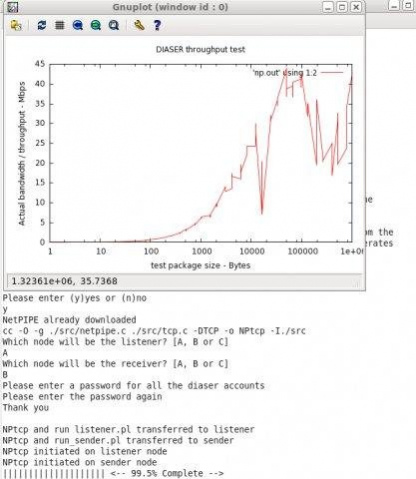
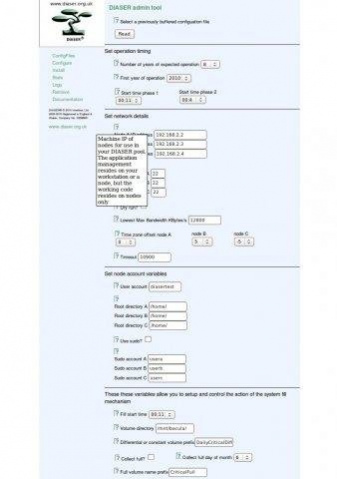
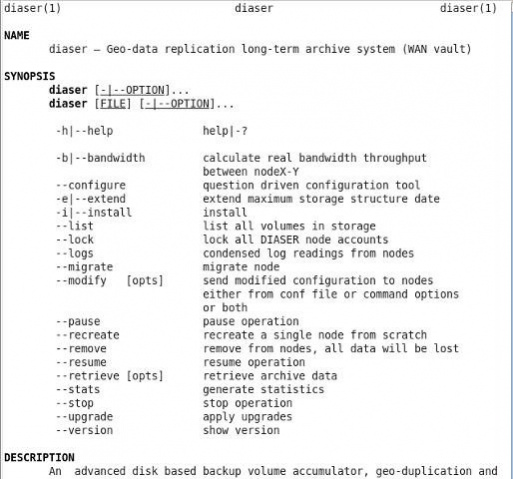

DIASER, Geo-data duplication long-term archive system & WAN vault. Manage mixed data archives generated by existing backup software. Ensure availability using commodity hardware. Retain administrative and financial control.
- Accumulation, geo-duplication and management of long-term archive storage
- Cloud storage class, open source software
- Engineered storage architecture
- Exists and operates in dedicated user accounts
- Flat, human readable storage structure
- Highly resilient and robust
- Large volume capacity (TB's)
- Low operational and maintenance overheads
- Manage independently from a Perl enabled workstation
- Manage long-term archives
- Multiple configuration files for multiple installations
- Perl installer and configurator
- Powered by rsync and OpenSSH
- Repair tool
- Scalable
- Secure design
- Simple configuration file and format
- Standards compliant
- Stats and analysis tools built-in
- Straightforward upgrade procedure
- Use commodity disks for robust storage
- UTC Time Zone compensation mechanism
- Wan vault for long term archiving
- Works with existing backup infrastructures
- 3 replicating storage nodes
- RPM spec file
About DIASER
This File & Disk Management program is available in English. It was last updated on 29 September, 2026. DIASER is compatible with the following operating systems: Linux, Mac, Windows.
The company that develops DIASER is dbrasher28. The latest version released by its developer is 1.1.1.
The download we have available for DIASER has a file size of 2.0 MB. Just click the green Download button above to start the downloading process. The program is listed on our website since 2012-04-01 and was downloaded 0 times. We have already checked if the download link is safe, however for your own protection we recommend that you scan the downloaded software with your antivirus. Your antivirus may detect the DIASER as malware if the download link is broken.
How to install DIASER on your Windows device:
- Click on the Download button on our website. This will start the download from the website of the developer.
- Once the DIASER is downloaded click on it to start the setup process (assuming you are on a desktop computer).
- When the installation is finished you should be able to see and run the program.
Program Details
System requirements
Download information
Pricing
Version History
version 1.1.1
posted on 2012-04-01
version 1.1.0-beta3-dev
posted on 2011-03-19
Several fixes and updates
Disclaimer
External Download
We do not host DIASER on our servers. We did not scan it for viruses, adware, spyware or other type of malware. This app is hosted by the software publisher and passed their terms and conditions to be listed there. We recommend caution when installing it.
The external download link for DIASER is provided to you by apps112.com without any warranties, representations or guarantees of any kind, so access it at your own risk.
If you have questions regarding this particular app contact the publisher directly. For questions about the functionalities of apps112.com contact us.
